Expert Editors For

Viral Growth

For Creators

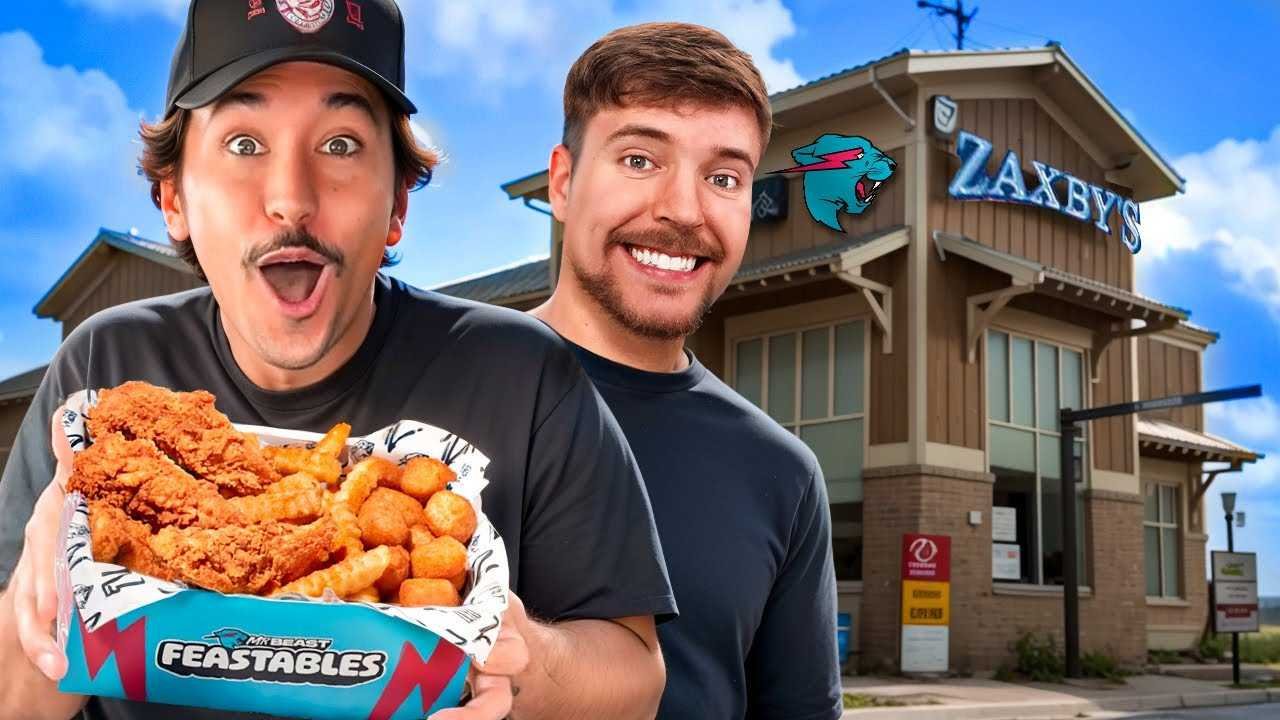
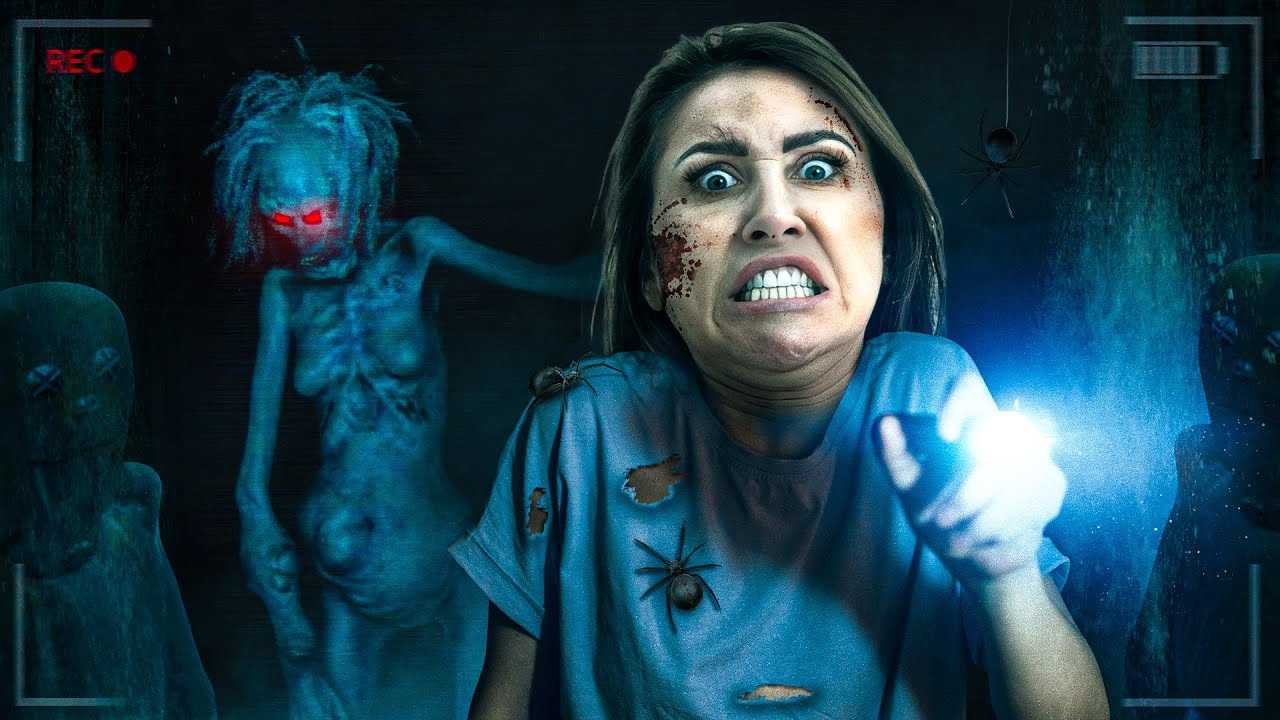
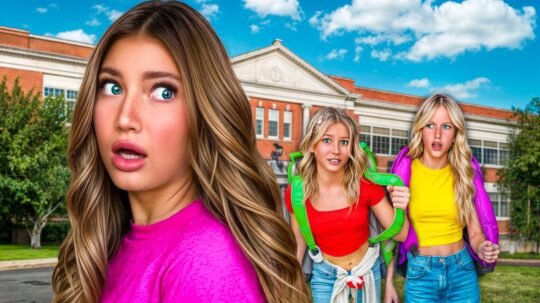
My SiSTERS ROOM Was DiRTY

1.6+ Million

Views

Surviving on Homemade Boats!

3.2+ Million

Views

FiRST DAY OF SUMMER BEDROOM

2M+

Views

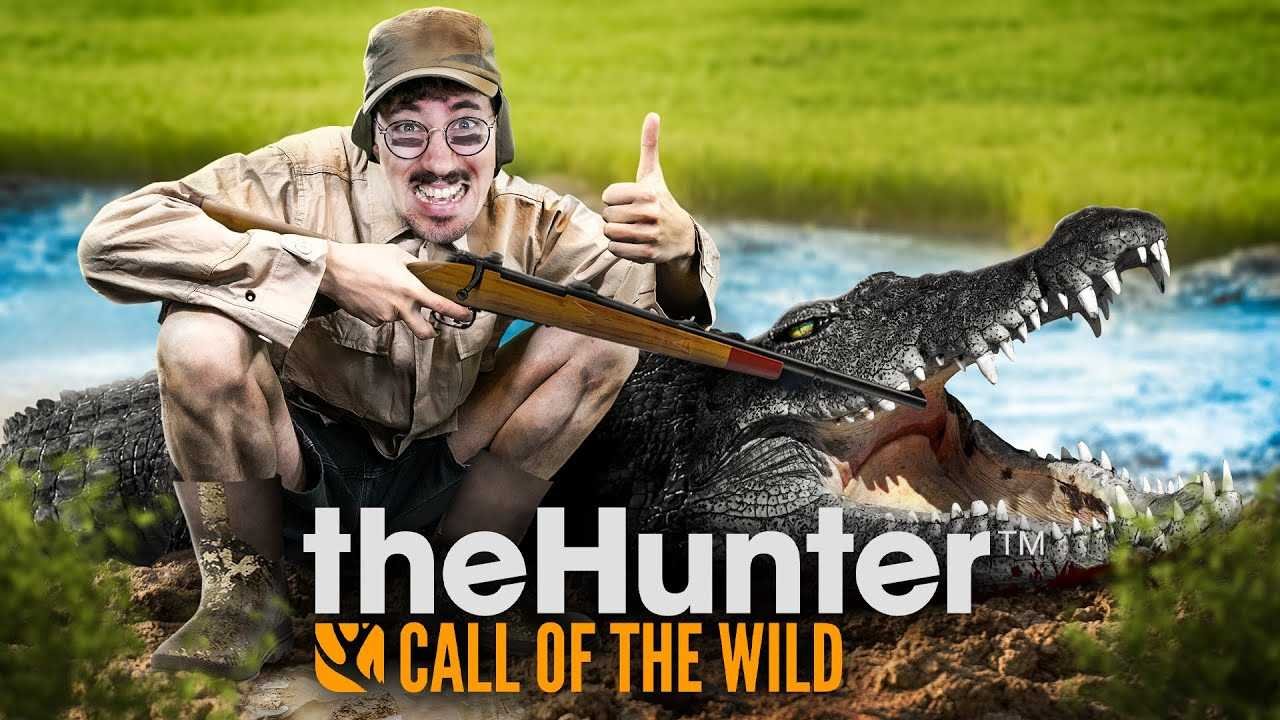
Florida’s Hidden Backyard

500K+

Views

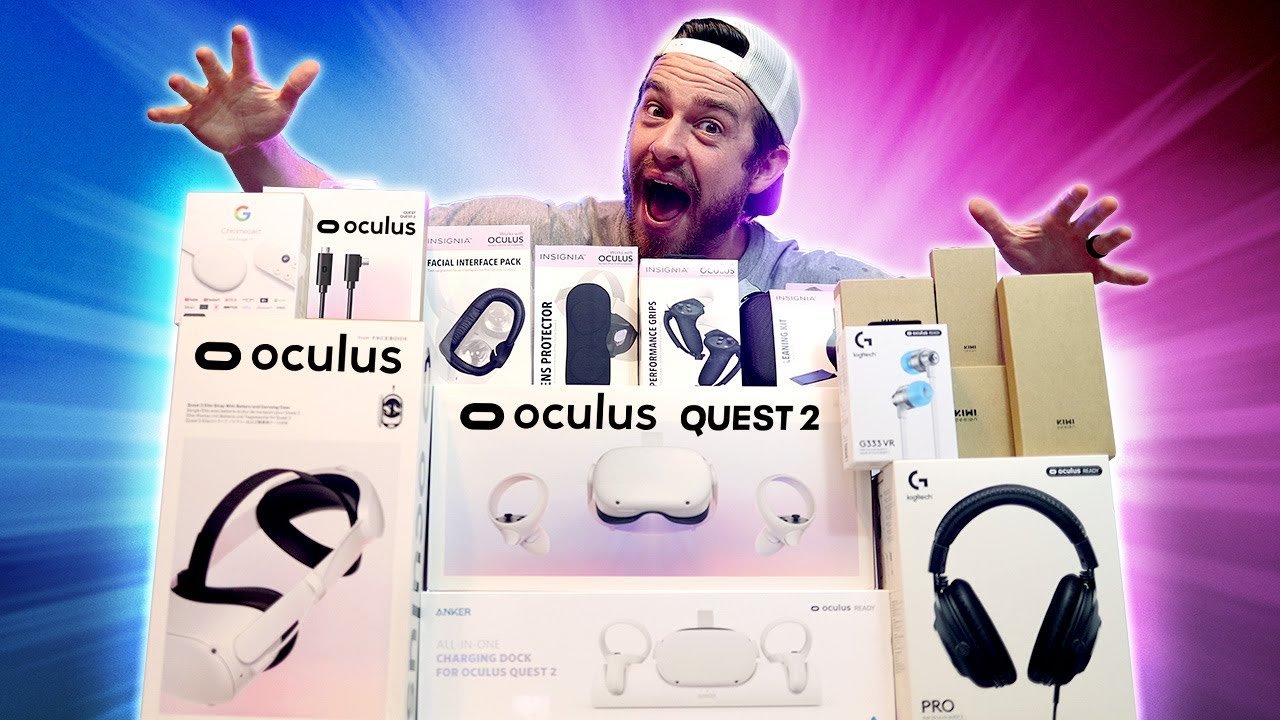
Meta Quest 2 Unboxing

2.4M+

Views

Best Hair Art Wins $1,000!

500K+

Views

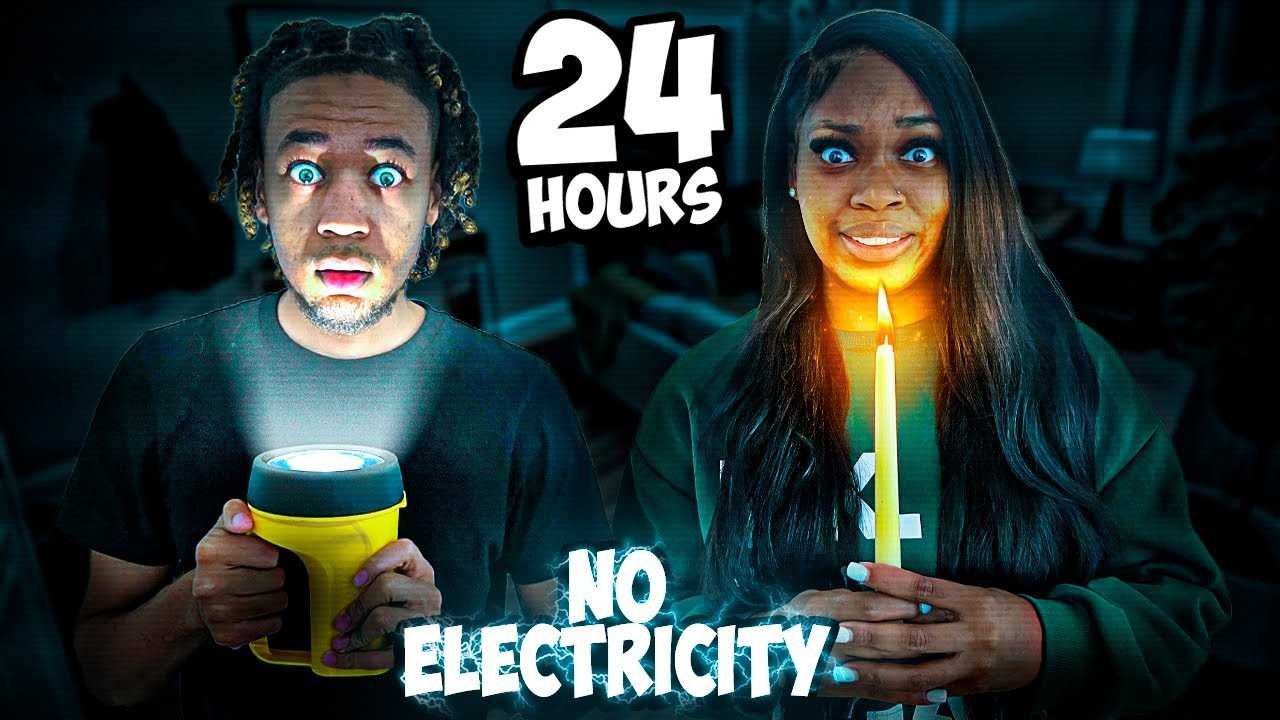
24 Hours In A Trampoline Park

950K+

Views

My $250,000 Room

4.8M+

Views

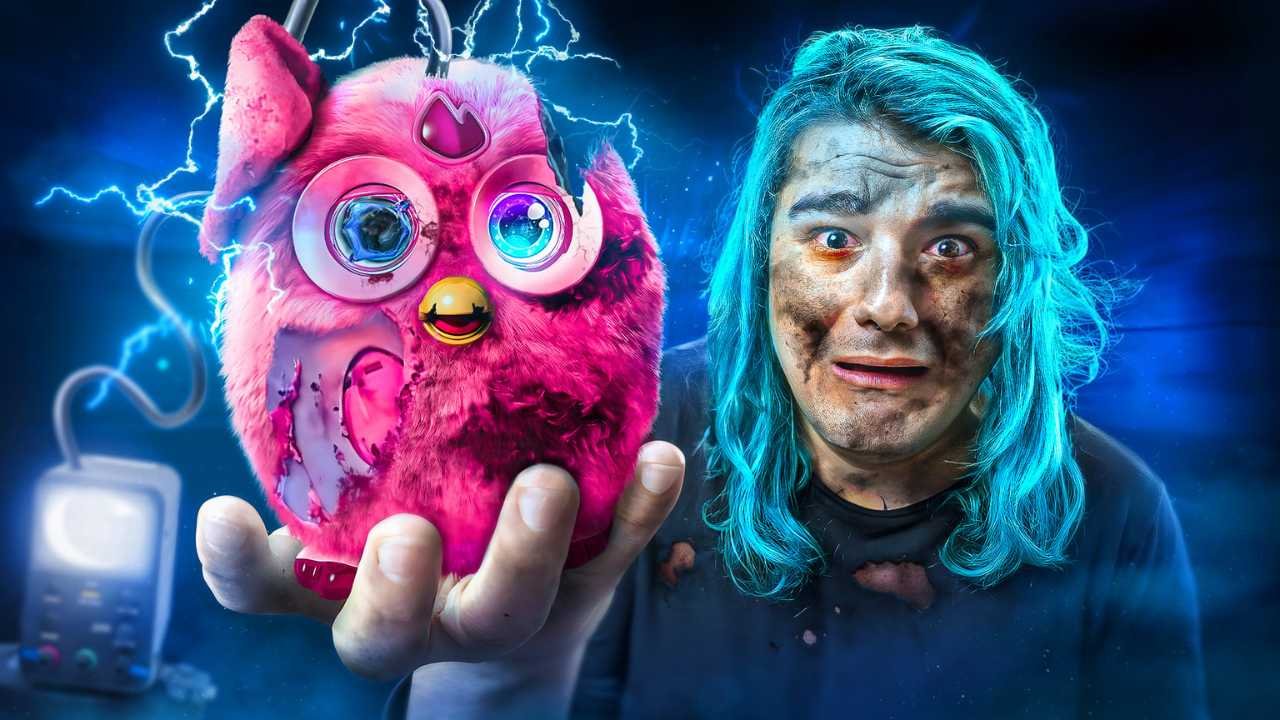
Mystery Lake Monster Attack!

1.1M+

Views

TRAVELING 24 HOURS OUT

390K+

Views

the reason i changed.

500K+

Views

Working with 100+ Top Creators

4.1M+ Subs

2330M+ Views

5.6M+ Subs

3600M+ Views

8.4M+ Subs

1606M+ Views

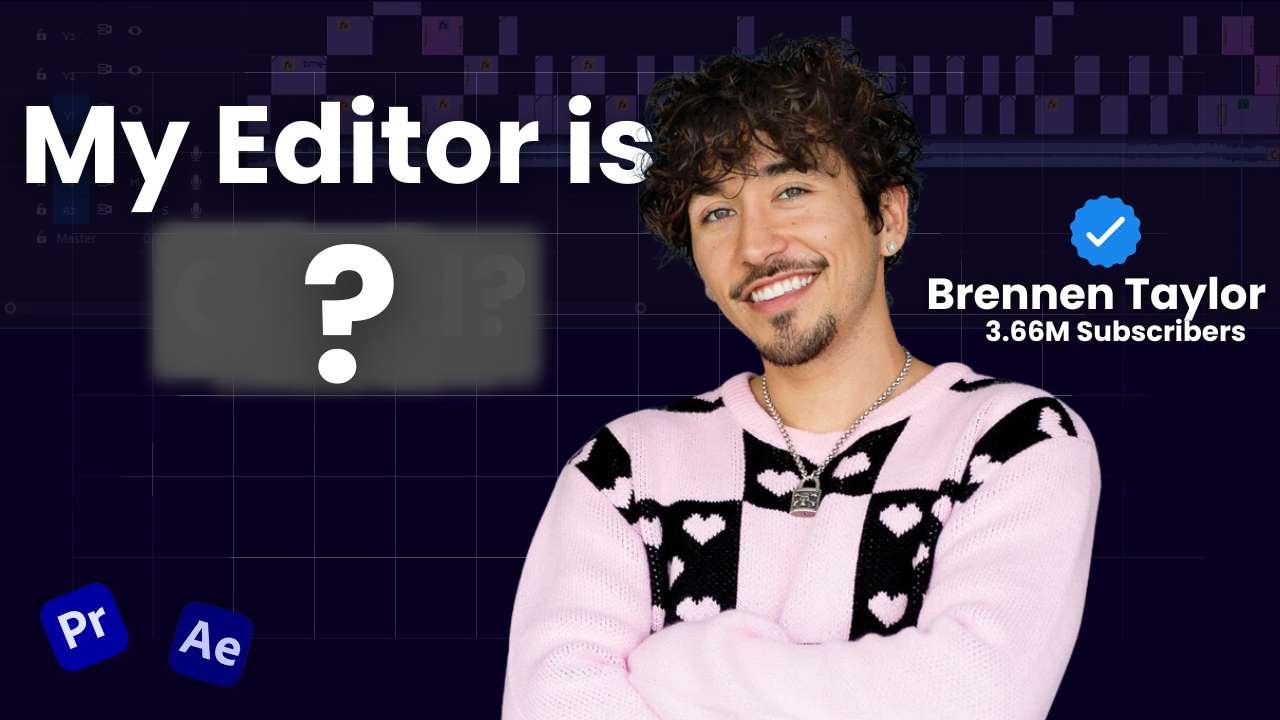
3.6M+ Subs

684M+ Views

11.2M+ Subs

1663M+ Views

8.8M+ Subs

1971M+ Views

2.2M+ Subs

1180M+ Views

450K+ Subs

46M+ Views

2.47M+ Subs

6.49M+ Subs

3.54M+ Subs

7.46M+ Subs

1.67M+ Subs

1.03M+ Subs

192K+ Subs

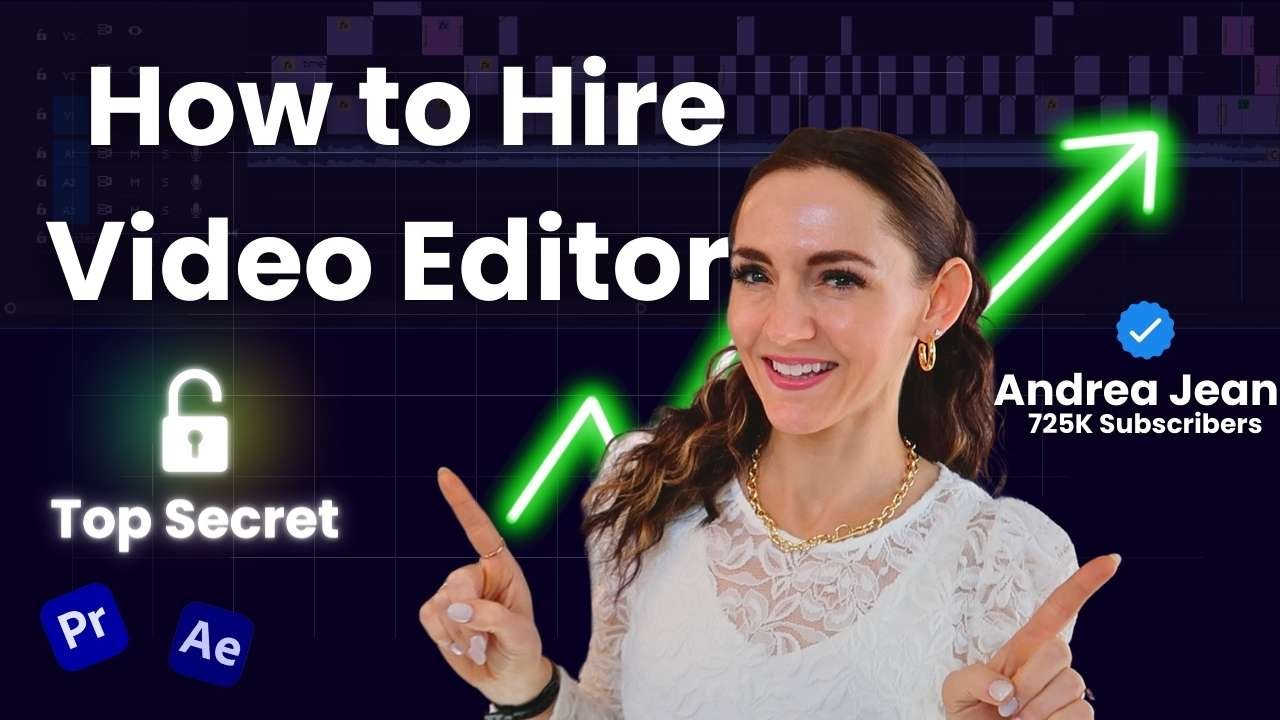
725K+ Subs

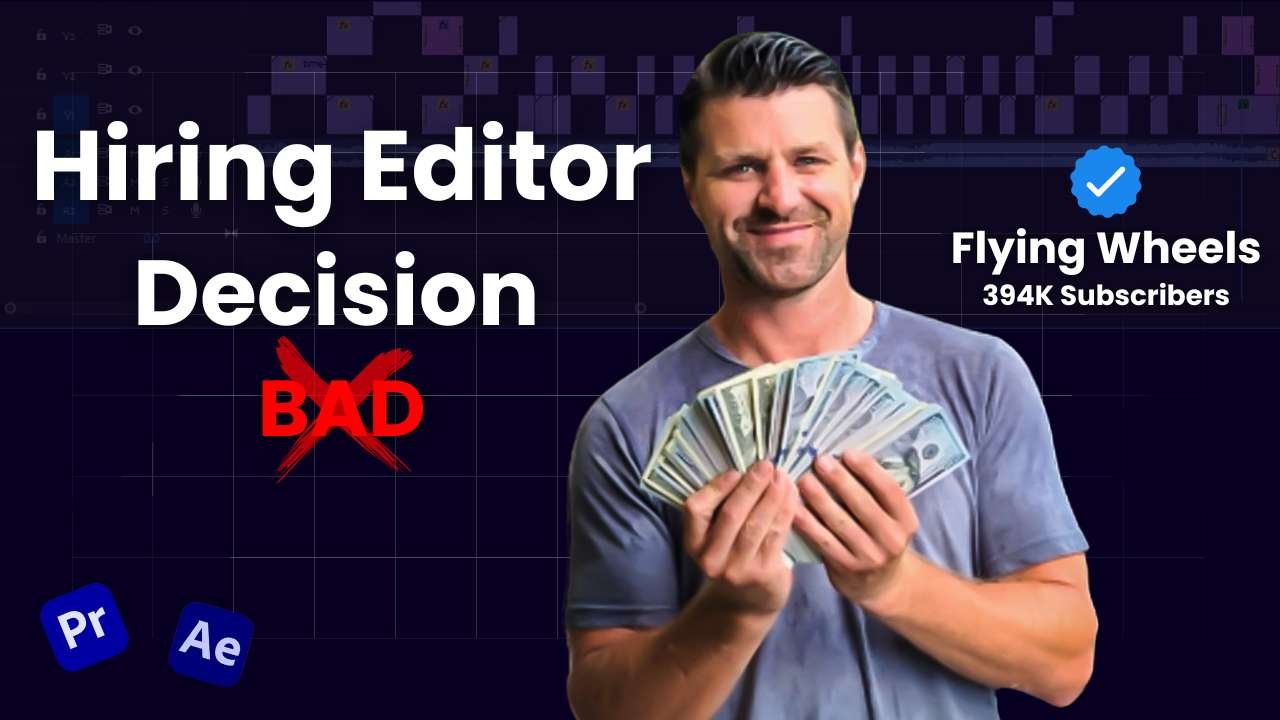
394K+ Subs

892K+ Subs

75K+ Subs

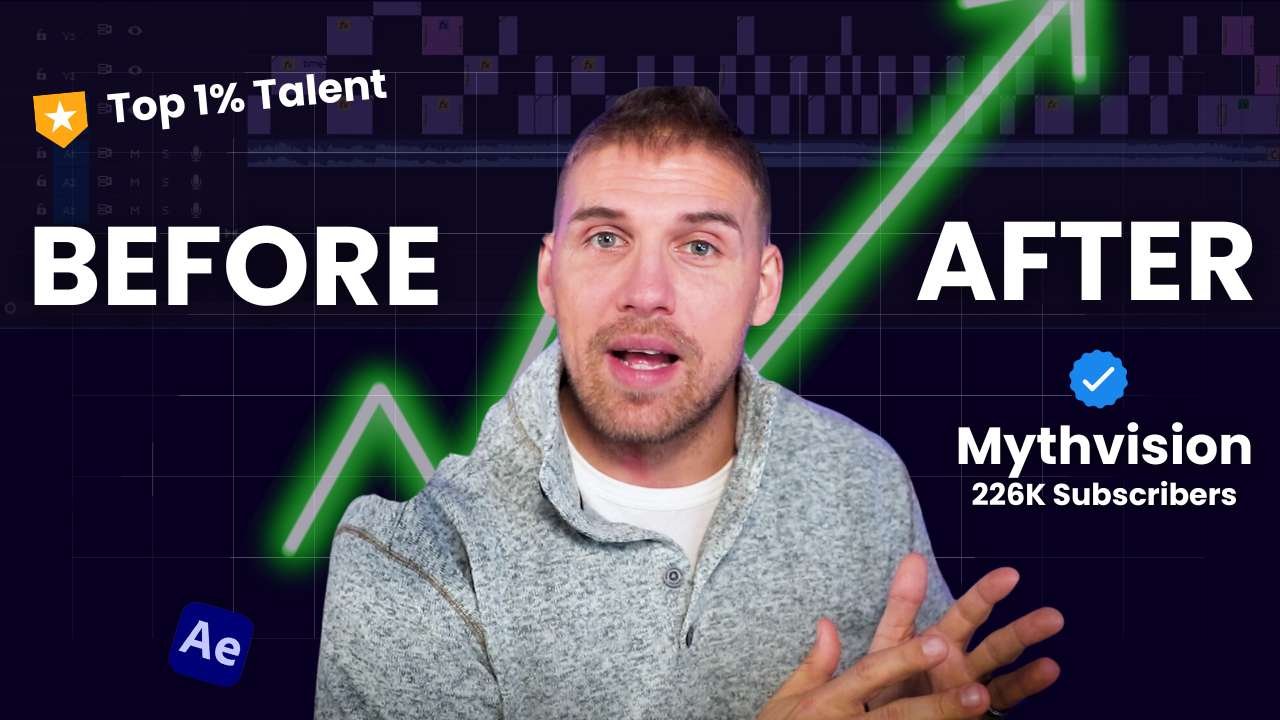
226K+ Subs

504K+ Subs

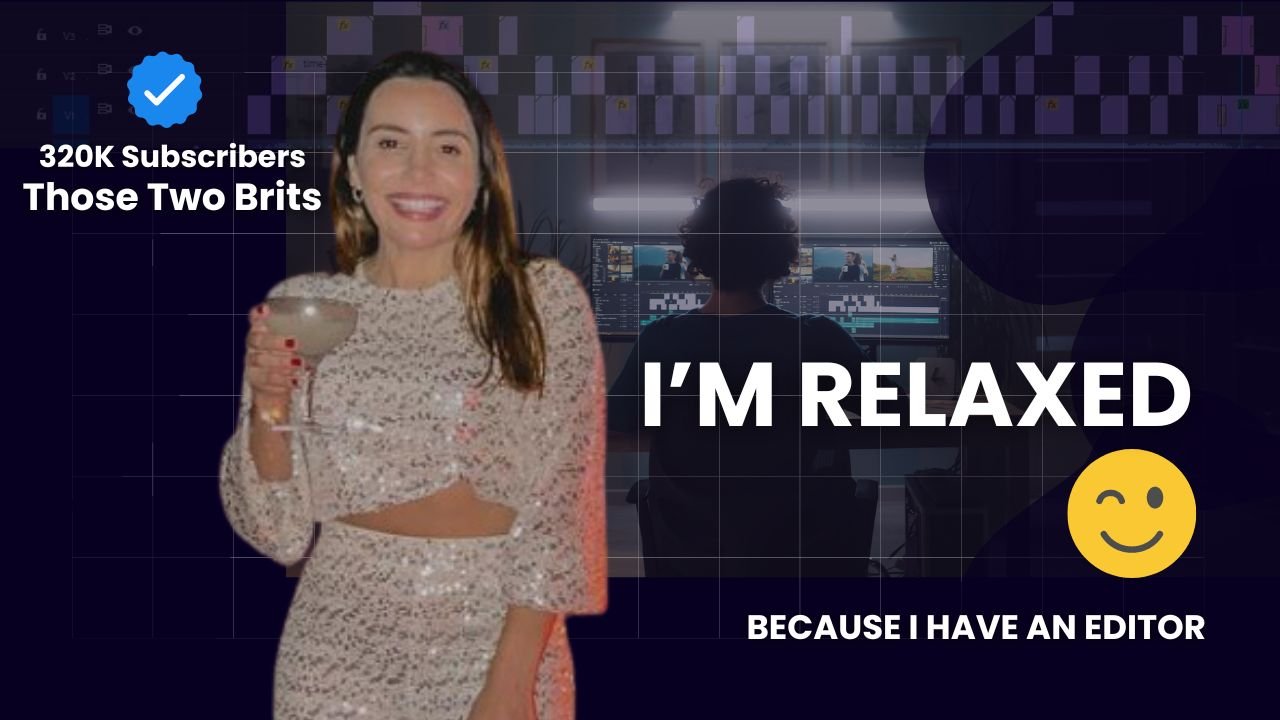
320K+ Subs

202K+ Subs

And Many More

Editing Excellence trusted by 50+ creators.

11.2M+ Subs

1663M+ Views

8.8M+ Subs

1971M+ Views

8.4M+ Subs

1606M+ Views

3.6M+ Subs

684M+ Views

2.47M+ Subs

6.49M+ Subs

3.54M+ Subs

7.46M+ Subs

1.67M+ Subs

1.03M+ Subs

192K+ Subs

725K+ Subs

394K+ Subs

892K+ Subs

75K+ Subs

226K+ Subs

504K+ Subs

320K+ Subs

202K+ Subs

And Many More

Don’t Believe?

Hear Directly From Our Creators

Want to know More? 🔒

Play Video
Play Video

To Get 1M+ Views Per Video

Select Your Perfect Plan

Pay Per Video

$ 799 / Video

Pay Per Video

  • Unlimited Videos
  • Unlimited Revisons
  • Dedicated Pro Editor
  • 48-72 Hours Turnaround
  • Cancel Anyime

Pro plan

$ 2999 / Month

Pro plan

  • Best for 2-6 Videos Monthly
  • 2 Thumbnails per video
  • Top 1% Talented Dedicated Editor
  • 24-72 Hours Turnaround
  • Cancel Anyime

Top 1% Talent Plan

$ 4999 / Month

Top 1% Talent Plan

  • Best For 4-8 Videos Monthly
  • Expert Youtube Growth Team
  • Topics + Scripts + Posting + Reports
  • All Includes of Pro Plan
  • Cancel Anyime

Plans Not Fitting Your Needs?

Don't Worry!

From Raw to Refined

See Our Edited Videos

Click-through Rate 7.9% +

Save Time & Effort
With the Prisha Production

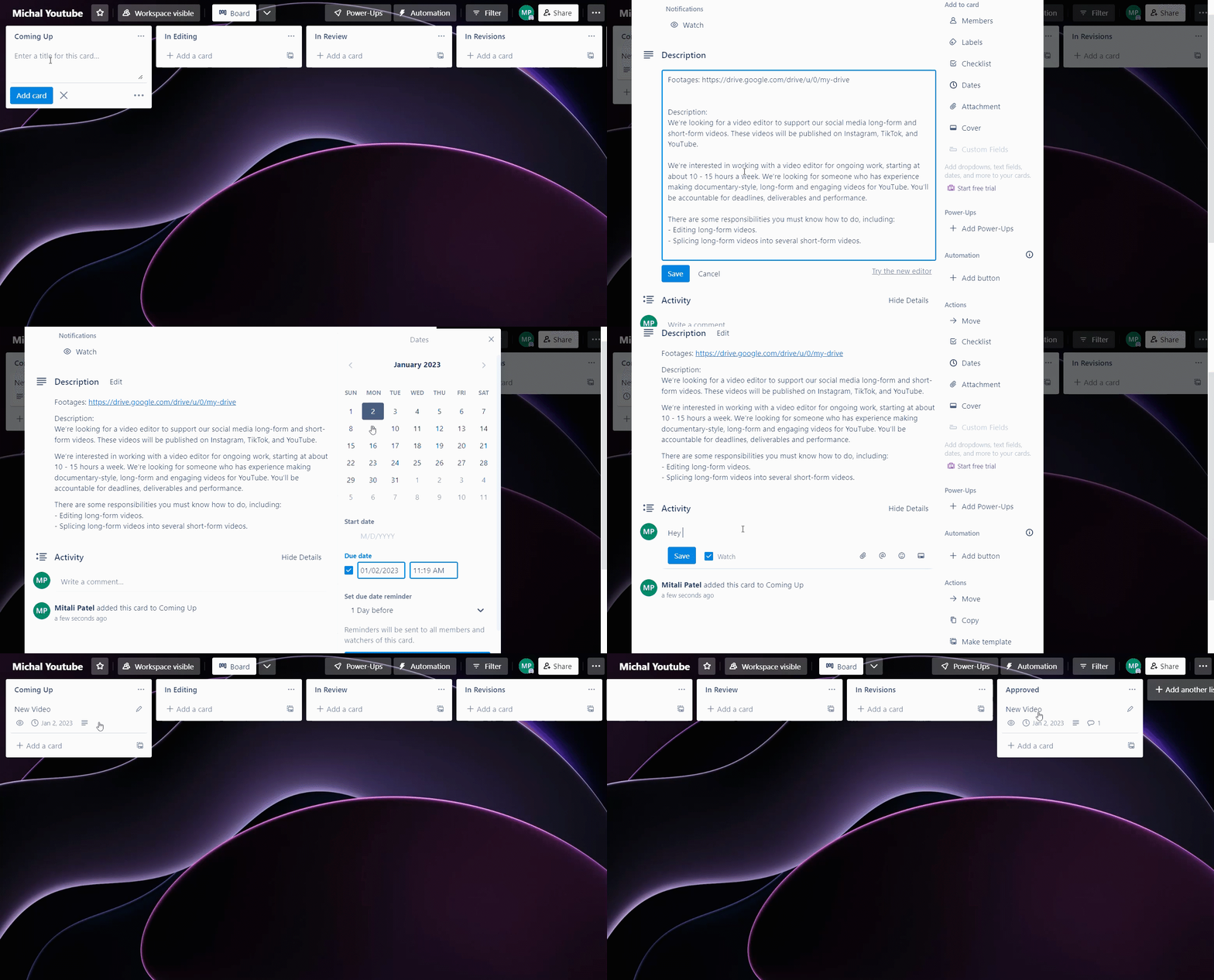
Project Mangment Board

You can manage your projects with notes, Deadlines and many more features.

Live Discussion With Editor

You can live chat with the editor and team about your project.

Access From Anywhere

You can access this board through your mobile or laptop from anywhere in the world.

Save Time & Effort
With the Prisha Production

Project Mangment Board

You can manage your projects with notes, Deadlines and many more features.

Live Discussion With Editor

You can live chat with the editor and team about your project.

Faq

Freequently Ask Questions

All plans cover a wide range of video editing projects, including categories such as vlog editing, talking head videos, podcasts, tech tips, informative content, and many more.

You can submit any type of video editing projects.

Unused hours from one month do not roll over to the next month. It’s important to plan your video projects accordingly to make the most of the time allocated within your current billing cycle.

If you’re not satisfied with the service, you are eligible for a 100% refund if you request it within the first 7 days of starting your plan, excluding a 6% transaction fee. However, after the initial 7-day period, refunds are no longer available.

Yes, you can upgrade from the Starter Plan to the Pro Plan or the Top 1% Talent Plan at any time.

The “replace editor anytime” feature allows you to request a change of editor if your current one isn’t meeting your expectations. This can be done seamlessly, ensuring continuous progress on your projects, across all plans.

Just Book A Call 🔓

Sit Back 👨🏻‍🦼

965K

Subscribers Increasing Yearly

67.9%

Average percentage viewed

8.3%

Impressions click-through rate

6.9%

Average Channel Growth Yearly

More Information About Youtube Video Editing

1.What are the key benefits of using professional video editing services?

1. Professional Quality and Aesthetics
Professional video editors bring a level of polish that is difficult to achieve without specialized skills and experience. They use industry-standard software and techniques to ensure that your videos look sharp, sound clear, and have a visually appealing aesthetic. This includes color correction, sound equalization, and seamless transitions that elevate the production value of your videos, making them more enjoyable and engaging for viewers.

2. Time Efficiency and Focus
Video editing is a time-consuming process that can divert your focus from other important aspects of your business or content creation. By outsourcing this task to professional editors, you can save a substantial amount of time and direct your energy towards more strategic activities such as content planning, marketing, and audience engagement. Professional editors are adept at managing the editing process efficiently, ensuring that your videos are produced on schedule and to your specifications.

3. Customization and Creativity
Professional editors can bring a level of creativity and customization to your projects that goes beyond basic cutting and stitching of clips. They can help conceptualize unique storytelling elements, integrate motion graphics, or create dynamic layouts that enhance the narrative or informational content of your videos. This creativity makes your content stand out in a crowded marketplace, potentially increasing your viewership and follower engagement.

4. Technical Expertise and Problem-Solving
Video editors are not just creative professionals; they are also technical experts who can solve complex problems that may arise during the editing process. This includes issues like format compatibility, encoding, and optimizing videos for different platforms (e.g., YouTube, Instagram, Facebook). Their expertise ensures that your videos not only look good but also perform well technically on all platforms without issues related to playback or quality degradation.

5. Consistency and Branding
Consistency in video quality and branding is crucial for maintaining a professional image and building trust with your audience. Professional video editors ensure that each piece of content you release is consistent with your brand’s visual and narrative style. This is particularly important for businesses and content creators who aim to build a recognizable brand identity across various media channels.

6. Strategic Content Enhancement
Beyond the mechanical aspects of editing, professional editors understand how to enhance the strategic elements of your content. They can highlight key messages, ensure that calls to action are effectively integrated, and structure your videos in ways that maximize viewer engagement and retention. This strategic input can be vital in turning viewers into followers, customers, or clients.

7. Feedback and Improvement
A professional video editor can provide valuable feedback on your content, offering insights on what works well and what might be improved. This can be invaluable as you refine your content strategy and strive to make more impactful videos.

2.How much does video editing cost for a YouTube channel?

1. Type of Video
The cost of editing can depend heavily on the type of content. Simple vlogs or talking head videos typically require less editing and therefore cost less, while more complex projects like music videos, tutorials with many steps, or videos requiring animations and special effects will be more expensive.

2. Editor’s Expertise and Reputation
Freelance video editors can range from beginners to highly experienced professionals. Naturally, more experienced editors or those with a specialized skill set (like motion graphics or color grading expertise) will charge more. A beginner might charge anywhere from $15 to $50 per hour, whereas experienced professionals could charge $100 per hour or more.

3. Video Length and Complexity
Generally, video editing services charge by the hour or by the project. A simple edit for a short video might cost as little as $100, while more elaborate edits for longer videos can easily run into the thousands. Some editors also offer packages with set rates for videos of certain lengths or styles, which can be cost-effective.

4. Recurring Work vs. One-time Projects
If you have a regular posting schedule and need consistent editing, you might be able to negotiate a retainer or bulk discount with an editor. This can be more economical than paying per project.

5. Additional Services
Cost can also increase if you need additional services like thumbnail creation, adding subtitles, sourcing and adding music or sound effects, or integrating complex graphics. Each of these services can add significantly to the final cost.

Examples of Typical Pricing Structures
– Per Hour: Rates can vary from $25 to $150 per hour based on the editor’s experience.
– Per Project: Simple projects might start at $100 and go up to $500 or more for standard YouTube videos. Highly complex projects can exceed $1,000.
– Monthly Retainer: For ongoing work, editors might offer a monthly rate ranging from $500 to several thousand dollars, depending on the volume and type of work.

3.What should I look for when hiring a video editor for my YouTube videos?

Hiring a video editor for your YouTube videos is a critical decision that can significantly influence the quality and success of your content. When looking for the right video editor, consider the following key aspects to ensure you find someone who can meet your specific needs and enhance your channel’s appeal:

1. Relevant Experience and Portfolio
Review the potential editor’s portfolio to assess their style and quality of work. Look for experience specifically with YouTube videos, as editing for YouTube often requires specific considerations such as pacing for audience retention, understanding YouTube SEO, and integrating calls to action effectively. A good portfolio should showcase a range of video styles and demonstrate the editor’s ability to adapt to different content types.

2. Understanding of Your Niche
The best video editor for your needs should have some understanding of or experience in your specific content niche. Whether it’s gaming, educational content, fitness, or fashion, each niche has its own nuances and audience expectations. An editor who is familiar with your genre can better maintain your voice and appeal to your target audience.

3. Technical Skills and Software Proficiency
Confirm that the editor is proficient in advanced video editing software like Adobe Premiere Pro, Final Cut Pro, or DaVinci Resolve. They should have strong skills in cutting, timing, color correction, audio editing, and, if necessary for your content, motion graphics and special effects.

4. Communication and Collaboration Skills
Effective communication is crucial for a successful partnership. The editor should be responsive, open to feedback, and clear in their communications. They should be willing to collaborate closely with you to ensure the final product aligns with your vision.

5. Pricing and Budget Compatibility
Discuss their fee structure—whether they charge per project, per hour, or a flat rate. Ensure their rates align with your budget. Also, consider asking about any additional costs that may arise during the editing process, such as revisions or added features, to avoid unexpected expenses.

6. Turnaround Time and Reliability
Inquire about the editor’s availability and typical turnaround times. YouTube often requires a consistent posting schedule, so you’ll need an editor who can deliver high-quality work within your timeline. Reliability and the ability to meet deadlines are just as important as the quality of the edits.

 7. Feedback and Revisions Process
Understand their process for handling feedback and revisions. A good video editor should be willing to make changes based on your input and provide a certain number of revisions within the quoted price. Clarify how they handle additional revisions beyond what is initially agreed upon.

8. Test Project
If possible, start with a test project. This allows you to evaluate their work firsthand and see how well they understand your requirements and communicate during the editing process. A trial run can significantly reduce the risk of misalignments in expectations and results.

9. Recommendations and Reviews
Check for reviews or ask for references. Hearing from previous clients can provide insights into the editor’s work ethic and the quality of their service.

Selecting the right video editor involves looking at their technical abilities, their approach to collaboration, their familiarity with your content’s genre, and their ability to consistently deliver quality work within your timelines. By carefully considering these factors, you can form a productive relationship that benefits your YouTube channel’s growth and audience engagement.

4.How can a YouTube video editor improve my videos’ search rankings?

YouTube video editor can significantly impact your videos’ search rankings through a combination of technical expertise and strategic content enhancement. Here’s how skilled editing can boost your YouTube SEO and increase your content’s visibility:

1. Improved Viewer Engagement and Retention
Search rankings on YouTube heavily favor videos that successfully engage viewers. This includes metrics like watch time, view duration, and viewer retention. A skilled video editor can craft your videos in a way that captivates viewers from the beginning, maintains their interest throughout, and encourages them to watch till the end. Techniques like compelling opening sequences, well-timed cuts, engaging transitions, and strategic placement of key content can help keep viewers watching longer, thus improving these crucial metrics.

2. Optimized Video Titles, Tags, and Descriptions
While primarily the realm of content creators, editors often assist in optimizing video metadata based on SEO best practices. This includes crafting keyword-rich titles, descriptions, and tags that are relevant to the content. An editor with SEO knowledge can ensure that the video’s textual elements are optimized to rank well for targeted keywords, making the content more discoverable.

3. High-Quality Thumbnails
Thumbnails are the first thing viewers notice in search results. A video editor can also serve as a thumbnail creator, designing eye-catching thumbnails that increase click-through rates (CTR). High CTR is a signal to YouTube that a video is relevant and appealing, which can positively affect its rankings.

4. Inclusion of Subtitles and Closed Captions
Adding subtitles and closed captions can make videos more accessible to a broader audience, including non-native speakers and the hearing impaired, and can also act as additional text for indexing by search engines. Video editors can embed these features directly into the video, enhancing viewer accessibility and engagement, which are favorable for SEO.

5. Strategic Insertion of Calls to Action
A video editor can integrate calls to action (CTAs) at optimal points in the video, encouraging viewers to like, comment, and share. Interactive videos tend to rank higher as these actions signal to YouTube that the content is engaging. Moreover, comments and shares increase the video’s reach and engagement metrics, further boosting its SEO.

6. Use of B-Roll and Supplementary Content
To make videos more interesting and engaging, editors often incorporate B-roll, graphics, and other supplementary content that enriches the primary footage. This not only enhances the quality of the video but also helps in explaining complex information, keeping the audience engaged, and reducing bounce rates, which can positively influence search rankings.

7. Ensuring Mobile Compatibility
With the increasing consumption of video content on mobile devices, ensuring that videos are edited and optimized for mobile viewing is crucial. This includes considerations like aspect ratio, text size, and interactivity. Mobile-friendly videos are likely to perform better in terms of engagement, directly influencing rankings.

8. Video File Optimization
Video editors ensure that the video files are properly formatted and encoded for YouTube. This means reducing loading times, supporting various devices and bandwidth conditions, and maintaining high visual and audio quality. Well-optimized videos provide a better user experience, indirectly affecting SEO through improved engagement metrics.

YouTube video editor plays a pivotal role not only in enhancing the visual appeal and watchability of your videos but also in implementing key SEO strategies that improve search rankings. Their technical skills and strategic interventions can significantly increase your content’s visibility and effectiveness on the platform.


5.What are the latest trends in video editing for YouTube content creators?

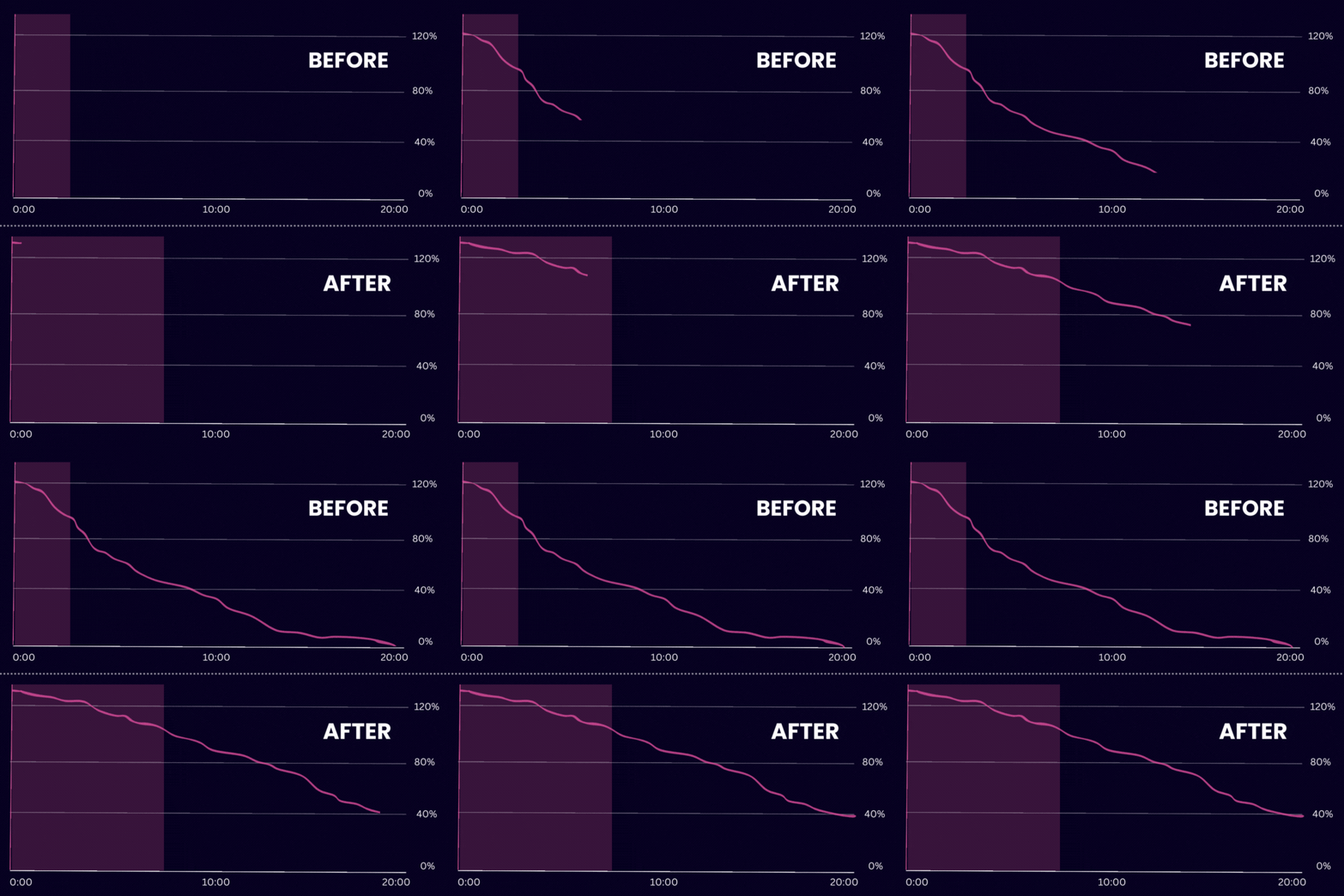
Staying updated with the latest video editing trends is essential for YouTube content creators looking to enhance their viewership and engagement. Here are the key trends and techniques currently popular among successful YouTubers, incorporating relevant keywords to help with SEO:
1. Vertical Video Format

With the rise of mobile viewing, editing videos in vertical formats (9:16 aspect ratio) has become crucial. This format is especially popular for YouTube Shorts, which competes with platforms like TikTok and Instagram Reels.

2. Seamless Transitions
Innovative and smooth transitions between scenes keep viewers engaged. Techniques like whip pans, zoom transitions, and match cuts are popular for adding a professional touch to video narratives.

3. Cinematic Color Grading
Professional color grading gives videos a film-like quality, enhancing the visual appeal. This trend is significant for creators looking to distinguish their content with a signature style or mood.

4. Interactive Elements
Including interactive elements such as on-screen polls, end screen recommendations, and clickable links within the video enhances viewer engagement and retention, key metrics for SEO.

5. Text and Graphics Integration
Dynamic text overlays and motion graphics help emphasize key points and make videos more accessible and engaging. This trend is particularly useful for educational content and tutorials.

6. 360-Degree Video Editing
As VR technology becomes more accessible, 360-degree videos are gaining popularity. This format offers an immersive experience, ideal for adventure and real estate content.

7. Fast-Paced Editing
Quick cuts and faster pacing cater to the decreasing attention spans of online audiences, keeping viewers hooked and reducing the likelihood of clicking away.

8. Vlogumentary Style
Combining vlog and documentary styles creates a more personal and engaging narrative. This editing style is perfect for storytelling and connecting with audiences on a deeper level.

9. Sound Design and Quality Audio
Enhanced sound design and clear audio are crucial for viewer retention. Creators are investing more in high-quality audio edits, background scores, and sound effects to enrich the viewing experience.

10. AI and Automation Tools
Artificial intelligence tools are being used for automated video editing tasks like trimming, mastering audio levels, and even creating rough cuts, allowing creators to focus more on creative aspects.

Incorporating these video editing trends not only makes content more appealing and engaging but also helps YouTube content creators stay competitive and relevant in a fast-evolving digital landscape. By focusing on these trends, creators can improve their video quality, viewer engagement, and ultimately, their search engine rankings on YouTube.

More Information About Video Editing Services

Prisha Production's Video Editing Excellence

In the fast-paced world of YouTube, content quality can make or break your channel. At Prisha Production, we understand the critical role video editing plays in captivating your audience and boosting your views. Our tailored video editing services are designed to elevate your content and enhance your viewer’s experience.

Why Choose Prisha Production?
Prisha Production specializes in delivering customized video editing solutions that resonate with your specific audience. Whether you’re a budding YouTuber or an established creator, our services are designed to help you create visually stunning videos that stand out.

Our Services Include:
– Customized Editing: Each video is crafted according to your unique style and the demands of your audience, ensuring your creative vision is perfectly realized.
– Quick Turnaround: We know that timely content is king. Our team ensures quick delivery so you can stay ahead of the competition.
– Advanced Tools and Techniques: Utilize the latest in video editing technology to provide high-quality edits that include everything from color correction to special effects.

Client-Centric Approach
We pride ourselves on our collaborative approach, involving our clients at every step of the editing process. This ensures that the final product not only meets but exceeds your expectations.

Get Noticed
With Prisha Production, your videos will do more than just look good. They’ll capture attention, increase engagement, and help grow your channel. Tailored intros, captivating transitions, and expert pacing are just some of the ways we can enhance your video content.

Ready to take your YouTube channel to the next level? Contact Prisha Production today and let us help you turn your video visions into reality. Elevate your content, engage your audience, and achieve YouTube success with our professional editing services.

Top 10 Video Editing Companies For YouTube Video Editing 2024

1. Prisha Production

    • Advantages:

      Tailored Editing Packages: Offers a variety of editing packages, including options for unlimited videos, revisions, and dedicated full-time editors, catering to different creator needs.

      Fast Turnaround: Promises a quick turnaround ranging from 1-4 days depending on the package, facilitating timely content uploads for YouTube creators.

      Additional Features: Provides perks like epidemic licensed music and project management boards, enhancing the overall video production experience.
    • Disadvantage:

      Service Limitation: The packages do not allow for carrying over unused videos to the next month, which may not be as flexible for some content creators needing sporadic service use.

Software & Tools We Use Everyday

Adobe Premiere Pro
Adobe After Effects
Adobe Photoshop
Adobe Illustrator
Canva Designing Tool
Trello Project Management
Google Drive
AI Tools

Simple Work Process :

1. Receiving the Footages

Client can send footage to us via google drive, dropbox etc.

2. Start Video Editing

We start video editing on it by cutting footages, adding music, text, graphics etc.

3 Sending For Review

We send the first draft to the client for review, if they want changes, we do so and send them the updated video.

4 Approved Project

We ensure that the client receives the final product as per his/her vision, once he/she agrees then we count as an approved project.

Types Of Videos!

Youtube Videos

Talking Head

Commercial Ads

Tech & Gaming Videos

Large Production Videos

Product Videos

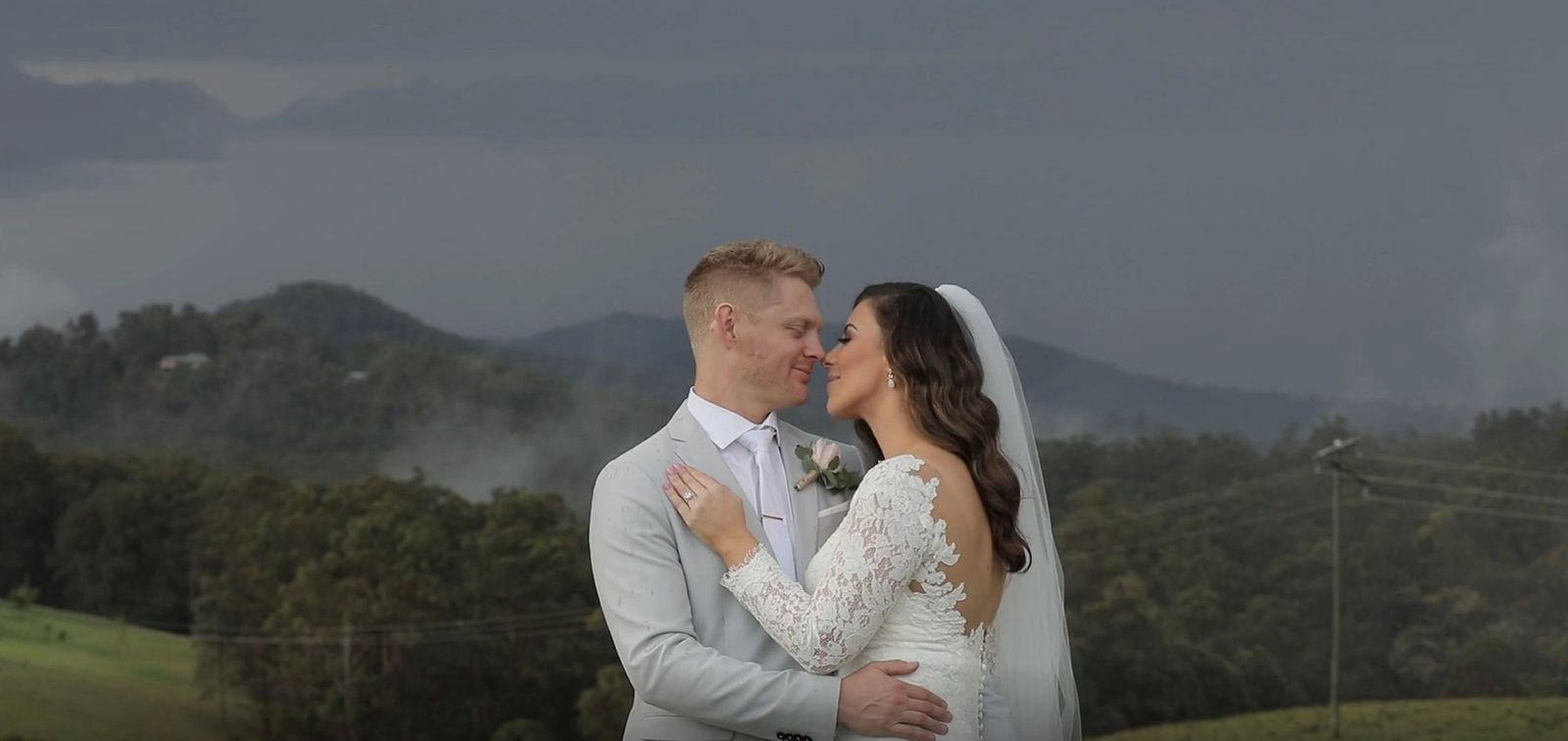
Wedding Videos

2. VidChops

  • Advantages:
    • Offers unlimited editing requests and revisions​. 
    • Dedicated video editor for personalized service.​ 
    • Quick 1-2 day turnaround times for most projects.
  • Disadvantage:
    • Limited to simpler color grading and lacks advanced animation capabilities​.

3. Video Husky

  • Advantages:
    • Specializes in quick turnaround, promising edits within 48 hours​.
    • Provides services tailored to talking head videos, perfect for vloggers and educators​.
    • Straightforward pricing with optional add-ons for thumbnails and subtitles​.
  • Disadvantage:
    • May not suit projects requiring extensive visual effects or complex editing​.

4. Flocksy

  • Advantages:
    • Comprehensive service that includes video editing, copywriting, and graphic design​.
    • One flat rate for all included services, simplifying budgeting​.
    • Quick and responsive customer service​.
  • Disadvantage:
    • Jack of all trades approach might not offer the depth needed in specialized video editing.

5. Tasty Edits

  • Advantages:
    • Friendly user interface and effective communication via their VOMA dashboard​.
    • Offers creative effects and professional motion graphics​.
    • Flexible with unlimited revisions until satisfaction​.
  • Disadvantage:
    • Might experience delays for complex edits due to high client volume​.

6. BeCreatives

  • Advantages:
    • Unlimited professional video editing at a competitive price​.
    • Quick turnaround and dedicated editor familiar with your style​.
    • Specializes in a wide range of videos from social media clips to promos.
  • Disadvantage:
    • Focus mainly on basic editing, may not handle very specialized or niche content well​.

7. EditVideo.io

  • Advantages:
    • Streamlined workflow with easy online submissions and revisions.
    • Affordable pricing models suitable for frequent needs.
    • Strong focus on client-driven timelines and quality assurance.
  • Disadvantage:
    • Might not offer as broad a range of services as larger firms.

8. Replayed.co

  • Advantages:
    • Specializes in repurposing video content for multiple platforms.
    • Provides detailed analytics to gauge video performance.
    • Offers marketing insights to help tailor content to audience preferences.
  • Disadvantage:
    • Services are more suited to marketing teams than individual content creators.

9. Vidpros

  • Advantages:
    • Offers a fractional-time model that provides flexibility and transparency​.
    • Tailors editing strategies to align with client-specific goals​​.
    • Access to a broad range of visual enhancements and free stock footage.
  • Disadvantage:
    • Higher starting price point may be prohibitive for smaller creators or startups​.

10. Motion Edits

  • Advantages:
    • Provides specialized services including complex 2D and 3D animations.
    • Wide range of editing services tailored to diverse video genres​​.
    • Collaborative approach to each project ensuring client’s vision is met​.
  • Disadvantage:
    • Specialized services like advanced animations can be more costly and time-consuming​​.
X
small_c_popup.png

Share Your Details To Receive Pricing Details

Where Can We Send Pricing Details?

small_c_popup.png

Share your details to receive pricing details

Where can we send pricing details?

Get Discount Coupon Before

Days
Hours
Minutes
Seconds

30 Minute Call with Prisha Production